How do you use a Blue Light Card? You open the brand’s offer in the Blue Light Card app or on its website, and the offer tells you the method.
Blue Light Guide is an independent guide and isn’t affiliated with Blue Light Card Ltd. For your account, verification or payments, use the official Blue Light Card website or app.
Most offers use one of three. You paste a code at an online checkout, pay with a discounted Shopping Card bought in advance, or show the card at the till.
We checked each step against Blue Light Card’s help centre on 24 October 2026. That includes how to match a Shopping Card payment on your bank statement.
Seven Offer Types in the App
Blue Light Card’s help centre lists seven kinds of offer. The first four cover almost every brand you’ll use day to day.
- Discount codes, which you copy in the app and paste at the brand’s online checkout.
- Dedicated website offers, where the brand’s site opens with the saving already applied.
- Local offers, where you show the digital or plastic card in a participating shop.
- Shopping Cards, which are discounted gift cards you buy first and spend in store or online.
- Cinema vouchers, bought at a discount for participating cinemas.
- Blue Light Tickets, booked through a link, with some events allocated by ballot.
- Member Days, when attractions open only to members and tickets go first come, first served.
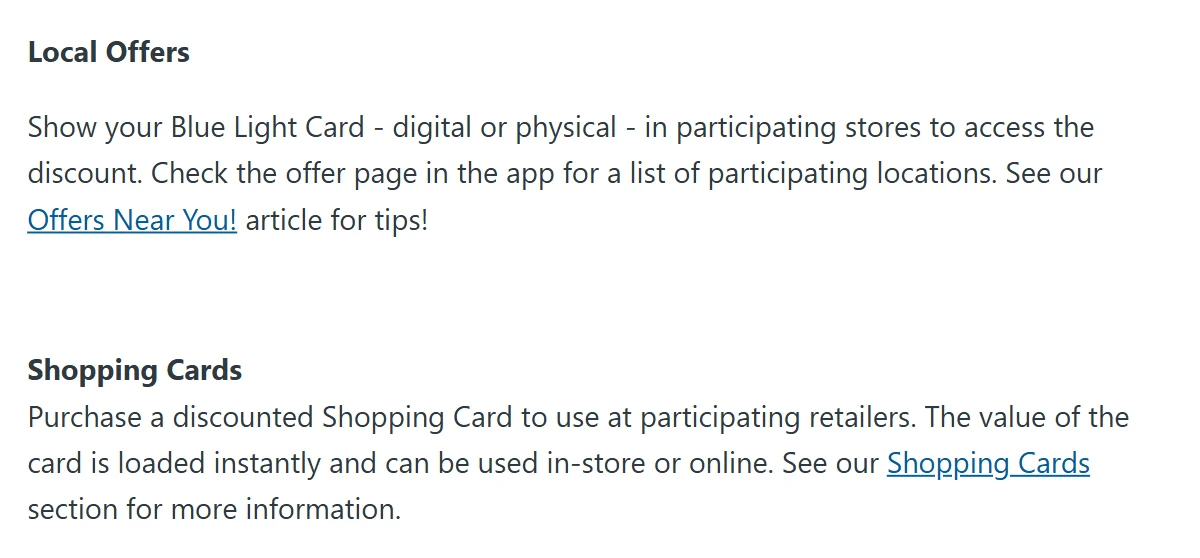
The button on the offer page gives the type away. Copy Discount Code means a code, Get Discount means a dedicated link, and Enter ballot means a ticket draw. There’s more on tickets in our Blue Light Tickets guide.
Virtual Card or Plastic at the Till
Local offers are the only type where you show the card itself. Open the virtual card in the Blue Light Card app, or hand over the plastic card, before the cashier rings up your shop.
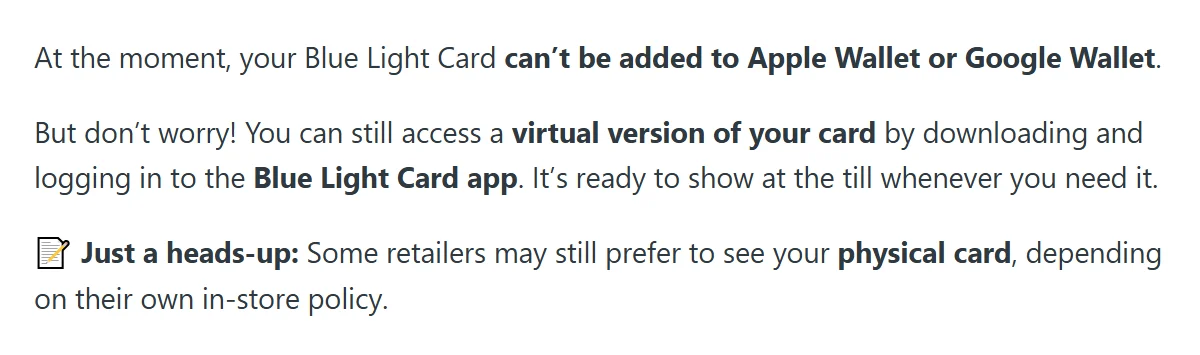
The card can’t go in Apple Wallet or Google Wallet yet, so keep the app on your phone. Blue Light Card says the virtual card is ready to show at the till, though some retailers still prefer to see the physical card.
Starbucks is one of the big chains that still works this way, with 10% off the bill at participating stores. Our Costa, Starbucks and Subway guide compares it with Costa’s gift card route.
A shop that turns the card away at the till may still have an offer. Zara, Primark and John Lewis work through Shopping Cards instead, as our list of shops that don’t accept Blue Light Card explains.
Codes Land in Your Wallet and Inbox
Online, most offers are codes. Tap Copy Discount Code on the offer page and the code is copied to the device you used, saved in your Wallet and emailed to your account address.
Paste it into the promo code or discount code box at the brand’s checkout. Make sure no spaces have crept in before or after it.
To find an older code, tap Wallet at the bottom right of the app. On the website, log in, select the person icon and choose Wallet from the menu. Codes are listed newest first, and expired ones stay there for now.
Each offer also limits how many codes you can request. If the offer says it isn’t available, you’ve probably hit that limit, and it resets on the code’s refresh date, according to Blue Light Card’s Wallet guide.
Three Routes From App to Saving
Every main offer starts the same way. Search for the brand, open its offer page, and the button shows which route you’re on.
| Offer type | In the app | At the shop |
|---|---|---|
| Discount code | Tap Copy Discount Code | Paste it at the online checkout |
| Dedicated website | Tap Get Discount | Prices already include the saving |
| Shopping Card | Buy a card at the member price | Pay with it in store or online |
| Local offer | Open the offer page | Show the digital or plastic card |
Shopping Cards are the only route that needs planning, because you buy the card before you shop. The other three happen at the moment you pay or check out.
£100 of M&S Shopping for £94
A Shopping Card is a retailer’s own gift card, sold to members for less than it’s worth. Blue Light Card’s Shopping Cards page lists more than 100 retailers, and you pick a value from the amounts each retailer allows.
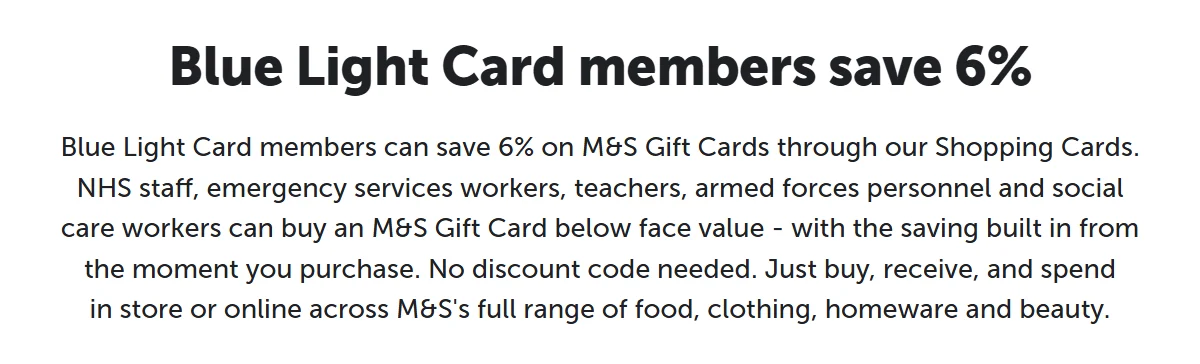
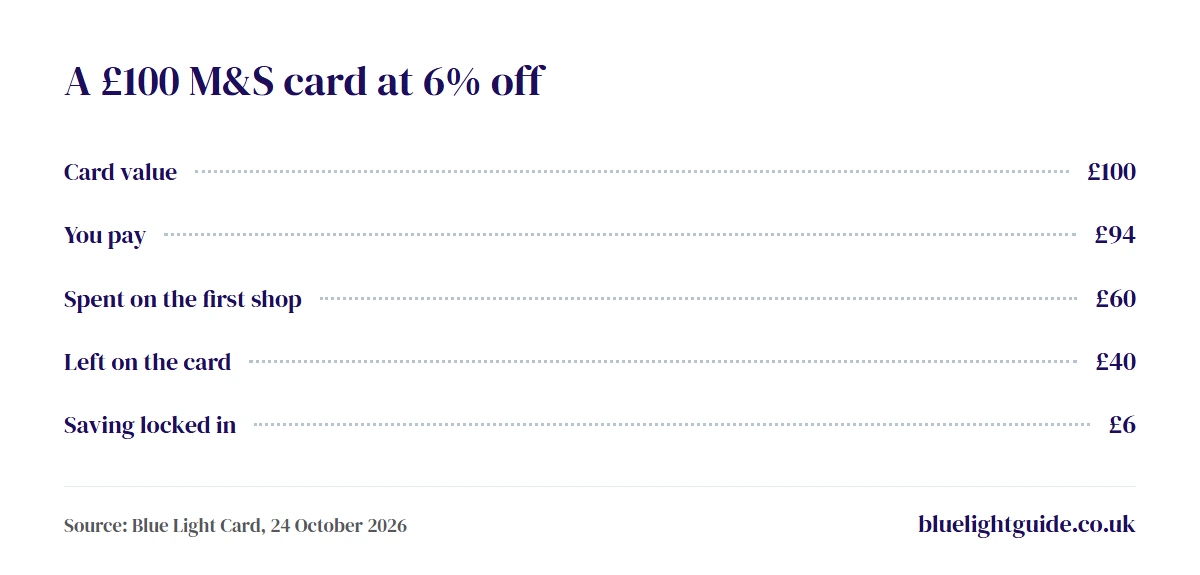
Take M&S. Its Blue Light Card page lists 6% off M&S gift cards, usable in any M&S store or on its website. A £100 card costs £94.
Spend £60 on a food shop and the other £40 stays on the card for next time. The £6 saving is locked in when you buy, so a later boost on the same card won’t change it.
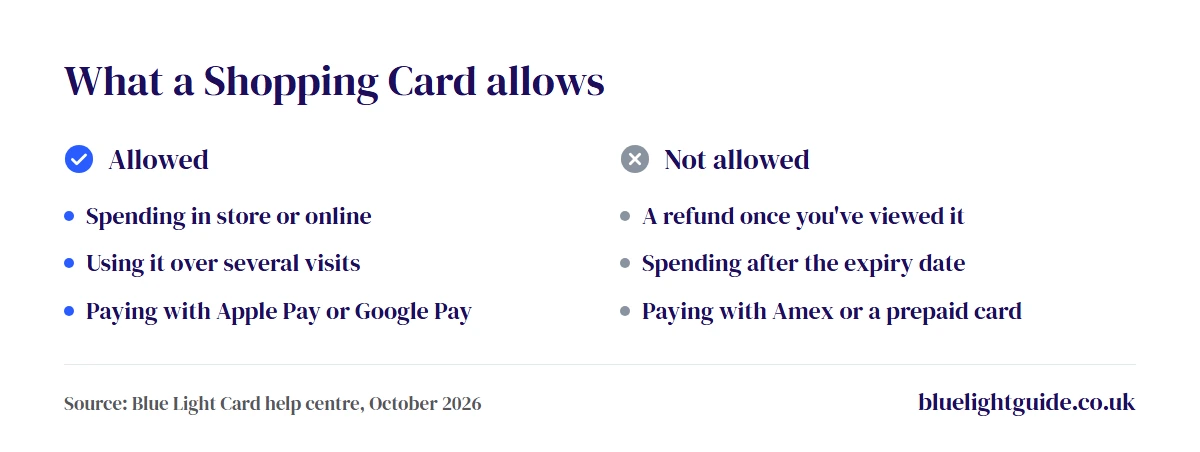
You pay by debit card, credit card, Apple Pay or Google Pay. Blue Light Card doesn’t take American Express, prepaid, business or non-UK cards, and one purchase can’t be split across two payment methods.
The card normally lands in your Wallet straight away. At the till you show it from the Wallet, and online you type its details in at checkout. You don’t need the app for this, because the website holds the same Wallet.
Two dates matter. Open each card’s link within a year of buying it, and spend the balance before the expiry date shown on the card.
Top Ups at Nine Retailers
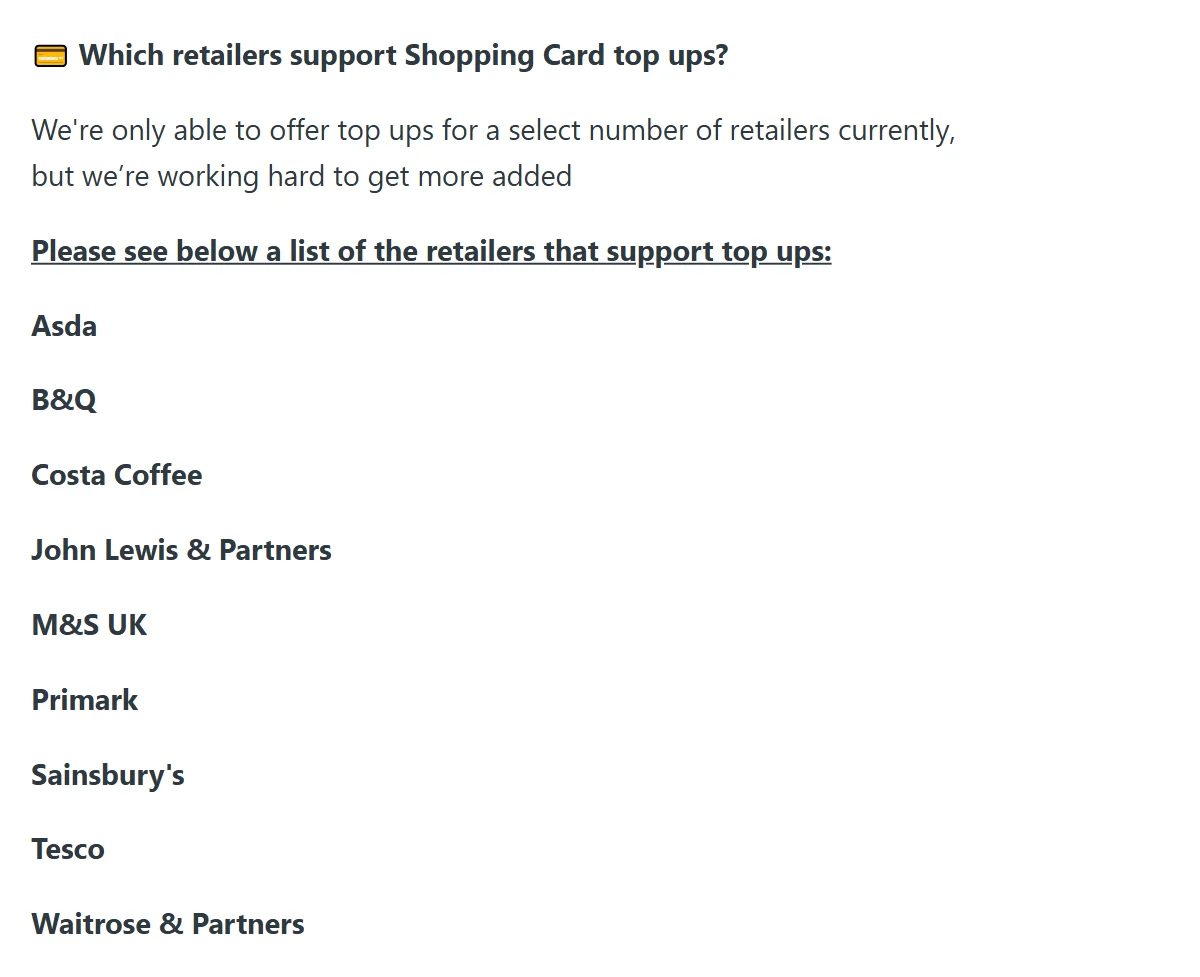
Some cards can now be topped up instead of replaced. Blue Light Card’s top up list covers Asda, B&Q, Costa Coffee, John Lewis, M&S, Primark, Sainsbury’s, Tesco and Waitrose.
It only works on cards bought from 27 May 2026, and you need to have viewed the original card first. Then press Top Up on the card in your Wallet. Top ups are final and can’t be refunded, and the card’s expiry date is reset from the date of the latest top up.
Unviewed Cards Can Be Refunded
Changed your mind? You can ask for a refund within 14 days of buying a Shopping Card, but only if you haven’t viewed it yet. Once you open it in your Wallet, it’s yours to spend. Some retailer help pages, such as B&Q’s, say their card purchases can’t be refunded, so check the brand’s page first. Approved refunds take 5 to 10 days to reach your bank, as the refund guide explains.
The Payment on Your Bank Statement
Blue Light Card’s help centre doesn’t say exactly how a Shopping Card payment is worded on a bank statement. It does say every purchase comes with an email receipt showing the order number and date, so match the amount and date against that first.
Your Wallet lists every Shopping Card you’ve bought too, which helps if the receipt has gone missing. A pending payment means the money is reserved but not yet taken, and it should clear within a few days.
Still don’t recognise a charge? Use Blue Light Card’s dispute form. If you didn’t authorise the payment at all, contact your bank as well.
Older gift cards are a separate matter. The Reward Gateway voucher shop that Blue Light Card used before has closed to new purchases, but existing balances stay in your Reward Gateway account, reached through Blue Light Card.
Four Fixes for a Failed Code
A code that won’t apply usually has a simple cause. Blue Light Card’s troubleshooting guide suggests these checks.
- Check the code went into the right box, with no spaces around it.
- Read the offer terms for minimum spends, excluded items and blackout dates.
- Use your newest code for that brand, and check its expiry date in your Wallet.
- Clear your browser’s cache and cookies, then request a new code from the offer page.
If the saving still doesn’t show, stop before you pay and contact Blue Light Card with the brand and the code you tried. Once an order goes through at full price, it’s the brand’s own policy that decides what happens next.
Local Offers Within 20 Miles
To find in-store deals nearby, tap Explore in the app and choose the Near You search. It lists local and affiliated offers within 20 miles, and each one says whether you show the digital or physical card.
Prefer not to share your location? The app then shows offers in the county on your account, and you can change that county at any time, as Blue Light Card’s Near You guide explains.
That’s also how small brands get on the card. A business with four or fewer stores can join through Blue Light Card’s Business Hub, offer members a discount when they show the physical card, and appear on the map.
For the big names on the card today, see our Blue Light Card discounts list. Not a member yet? Our cost guide covers the £4.99 fee, and our eligibility guide lists who can join.